Why There's No Code Push for Native Apps (And What To Do Instead)

Alireza Fard
20/05/2026
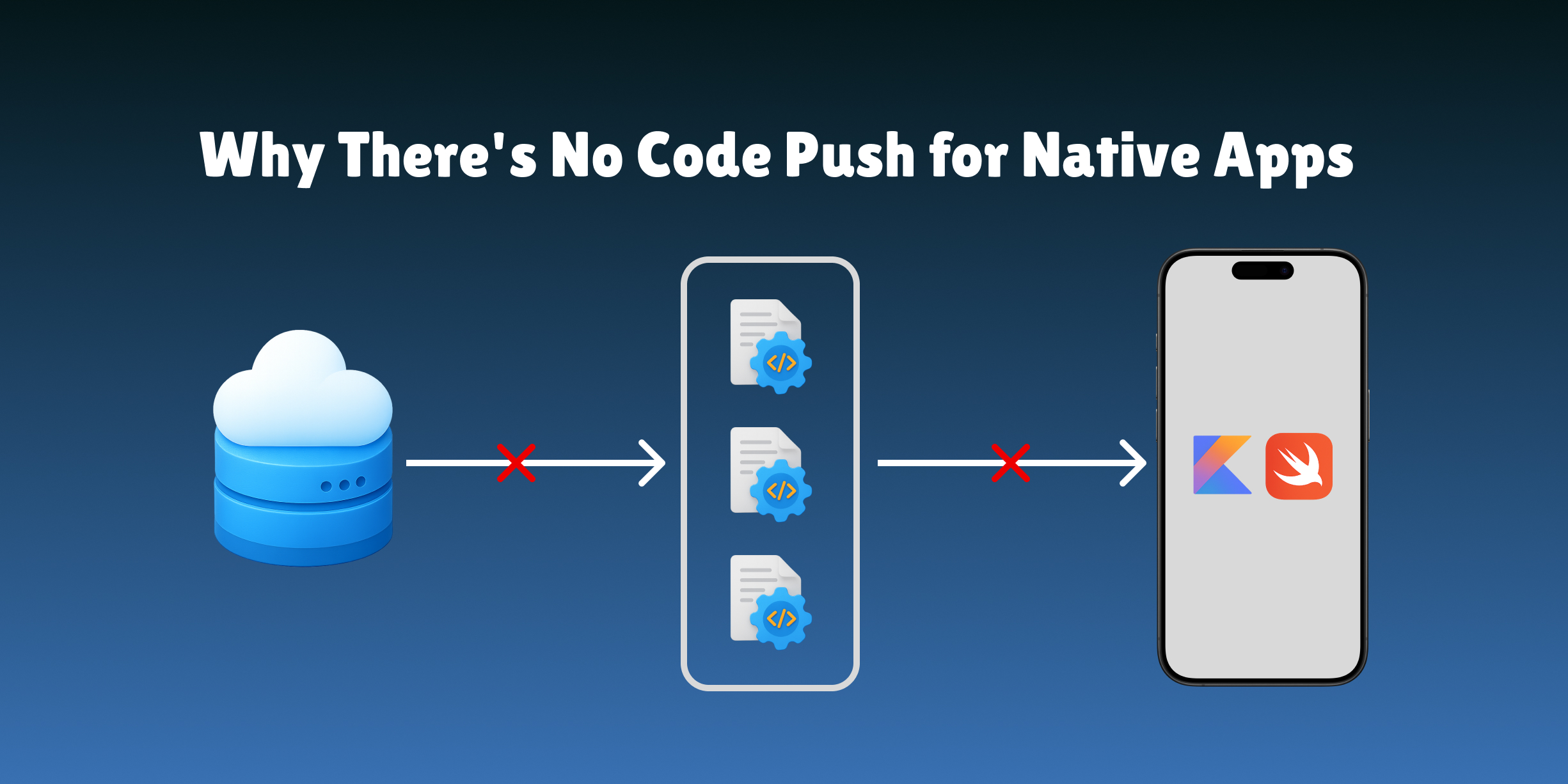
Swift and Kotlin compile to native machine code — there's no interpreted layer to swap at runtime. Here's why that's a hard constraint, and what to do instead.
You've just shipped a broken UI. The button label is wrong, the layout is off, or worse, a promotional banner is pointing to a campaign that ended yesterday. Your React Native colleagues push a fix in twenty minutes. You open Xcode.
This is the native developer's tax. And unlike most taxes, there's a reason it exists, though that reason isn't what most people think.
What Code Push Actually Is
Before explaining why it doesn't exist for native, it helps to understand what it actually does.
Code push, popularized by Microsoft's AppCenter CodePush, lets you deliver updates to an already-installed app without going through the app store. The user opens the app, the app checks for updates, downloads a new bundle, and the next launch uses the updated code.
It works by replacing the JavaScript bundle (or Dart bytecode, in Shorebird's case) at runtime. The native shell of the app stays the same. Only the interpreted layer changes.
This distinction (interpreted vs compiled) is the entire reason code push exists for React Native and doesn't exist for Swift or Kotlin.
The Technical Reason
Swift and Kotlin compile to native machine code. ARM instructions that run directly on the CPU. There is no intermediate layer to swap out at runtime. The binary is the code.
React Native apps, on the other hand, are a thin native shell wrapping a JavaScript engine (Hermes or JSC). The product code (your components, screens, business logic) lives in a .jsbundle file. That file is just text. It can be downloaded, replaced, and executed on the next launch without the OS knowing or caring.
React Native app
├── Native shell (compiled, stays fixed)
│   └── JavaScript engine (Hermes)
│       └── main.jsbundle ← this can be swapped
Native Swift/Kotlin app
└── Compiled binary (ARM machine code)
    └── Everything is in here. Nothing to swap.
Flutter is a hybrid case. Dart also compiles to native ARM code, which is why Flutter didn't have a code push solution for years. Shorebird works by shipping a custom Dart runtime that interprets a bytecode format rather than running compiled machine code, essentially adding the swappable layer that doesn't exist in stock Flutter. It's an impressive engineering achievement, but it requires opting into a modified runtime.
There is no equivalent trick for Swift or Kotlin. The language compiles to machine code. Machine code runs directly on the CPU. There is no runtime interpreter to intercept.
What the App Stores Actually Say
The technical limitation alone might be workable, as clever engineers have found ways around harder constraints. But Apple and Google have also written explicit rules about this.
Apple App Store Review Guidelines, Section 2.5.2
"Apps should not download, install, or execute code which introduces or changes features or functionality of the app, including other apps."
The carve-out, which is how React Native code push remains compliant, appears in the developer program license agreement:
"Interpreted code may be downloaded to an Application but only so long as such code: (a) does not change the primary purpose of the Application by providing features or functionality that are inconsistent with the intended and advertised purpose of the Application as submitted to the App Store, (b) does not create a store or storefront for other code or applications, and (c) does not bypass signing, sandbox, or other security features of the OS."
Swift code is not interpreted code. The carve-out doesn't apply.
Google Play Developer Policy
Google's policy is similar, though slightly less strictly enforced:
"An app distributed via Google Play may not modify, replace, or update itself using any method other than Google Play's update mechanism."
The Play Store has historically been more lenient with React Native bundle updates. For native Kotlin/Java apps, the policy is clear: use the Play Store update mechanism.
What This Means Practically
Even if you could technically swap native code at runtime (through dynamic libraries or other mechanisms), you'd be in violation of App Store guidelines. Apple reviews apps and can remove them. Apps that circumvent the review process get pulled, and the developers can lose their developer account.
The rules exist because Apple and Google's review processes are their quality and security gates. Allowing arbitrary post-install code execution would bypass those gates entirely.
Tools People Try (And Why They Don't Work for Native)
When native developers first hit this wall, they often find tools that sound like they solve the problem. Here's what each one actually does:
Microsoft App Center CodePush
Status: Retired (March 2025)
Even when it was active, CodePush only worked for React Native and Cordova apps. It replaced the JavaScript bundle. Swift and Kotlin apps were never supported, and couldn't be, for the technical reasons above.
If you're on React Native, look at Expo EAS Update as the replacement.
Expo EAS Update
React Native only. Replaces the JS bundle. No relevance to native Swift/Kotlin development.
Shorebird
Flutter only. Works by shipping a custom Dart runtime. Smart engineering, but Flutter-specific by design.
Firebase Remote Config
This is the most commonly suggested "solution" for native developers and the most commonly misunderstood one.
Firebase Remote Config lets you store key-value pairs on a server and fetch them in your app. You can use this to toggle features, change string values, or adjust configuration, but only within code you've already shipped.
// You can change the value of this flag remotely
let showNewCheckout = remoteConfig["show_new_checkout"].boolValue

// But the checkout UI itself must already be in the binary
if showNewCheckout {
    presentNewCheckoutFlow() // this code must already exist
}
Remote Config is a feature flag system, not code push. You cannot use it to add a new component, change a layout, or ship code that isn't already in the binary. It's a valuable tool, but it doesn't solve the "ship UI changes without a release" problem.
Dynamic Feature Modules (Android)
Android supports modularized apps where features can be downloaded from the Play Store on demand. This is useful for reducing initial install size and delivering features to relevant users.
But it goes through the Play Store. Feature modules are reviewed and distributed by Google. You can't use them for hotfixes or rapid iteration; there's still a review and distribution cycle.
It also has no iOS equivalent.
Lua / JavaScript Core Embedding
Some apps embed a scripting engine (Lua, V8, JavaScriptCore) to run interpreted code for specific features. Games have done this with Lua for decades.
This is technically possible, but:
- It requires significant upfront engineering
- The embedded scripts are subject to App Store interpretation of the "interpreted code" exception: primary purpose cannot change
- It's essentially building React Native from scratch, for your specific use case
- Most teams that go down this path wish they had just used React Native
The Honest Landscape
| Tool | Works for Swift/Kotlin? | What it actually does |
|---|---|---|
| App Center CodePush | No | Swaps JS bundle (retired) |
| Expo EAS Update | No | Swaps JS bundle |
| Shorebird | No | Custom Dart runtime |
| Firebase Remote Config | Partially | Feature flags and config values |
| Dynamic Feature Modules | Android only | Play Store-distributed modules |
| Embedded scripting (Lua) | Technically, with caveats | Custom scripting layer |
| Server-Driven UI | Yes | Server controls what native components render |
There is no native code push. There is no clever workaround that Apple and Google haven't anticipated. The technical and policy constraints are real, and they're not going away.
The question is: what do you actually need code push for?
What You Actually Need Code Push For
When native developers say they want code push, they usually mean one of a few things:
"I want to fix a UI bug without a release." The component is wrong. A label, a color, a layout issue. This is a UI change, not a logic change.
"I want to run an A/B test on a screen." Show version A to half the users, version B to the other half. This is a UI configuration change.
"I want to update content without rebuilding." Change the copy on the onboarding screen, update a promotional banner, add a new item to a menu. This is content, not code.
"I want to ship a new screen without a full release." Add a new feature, rearrange the home screen, change the checkout flow. This is a layout and component change.
Notice what all of these have in common: they're UI changes, not logic changes. They're about what appears on screen, not about how the app processes data, authenticates users, or calls APIs.
This distinction matters because there is a solution, but it requires a different mental model.
The Answer: Server-Driven UI
Server-driven UI doesn't push new code to the device. Instead, it pushes a description of what to render, and the app renders it using components that already exist in the binary.
Traditional approach:
  Binary contains: "Show checkout screen with layout X"
  To change layout → new binary → app store → wait

Server-driven UI:
  Binary contains: renderer + component library
  Server says: "Render these components in this order"
  To change layout → update server → live immediately
The app store still reviews your app; the renderer and component library ship with it. But within those components, the server has full control over what gets shown, in what order, with what content, and with what behavior.
A UI bug (wrong label, misordered elements, outdated banner) becomes a server fix, not a release.
A/B testing becomes a server-side decision. Half the users get JSON payload A, half get payload B.
A new screen layout ships when the server deploys, not when the app store approves.
The constraint: you can only use components that exist in the binary. If you need a genuinely new type of component, you still need a release. But most UI changes, the ones you'd actually use code push for, are recombinations of existing components, not new types of components.
The Two-Track Strategy
In practice, native teams that move fast use a combination:
Server-Driven UI handles:
- Layout and screen structure changes
- Content and copy updates
- A/B test variants
- Promotional and seasonal UI
- Onboarding flows
- Feature surface area (show/hide sections)
Feature flags (LaunchDarkly, Statsig, Firebase Remote Config) handle:
- Toggling behavior in already-shipped code
- Gradual rollouts of new logic
- Kill switches for problematic features
- Configuration values
Planned releases handle:
- New component types
- New native integrations (camera, payments, biometrics)
- Complex logic changes
- Performance improvements
With this combination, the scope of what requires a planned release narrows dramatically. Most product changes ship immediately. Releases become about capability expansion, not content and layout iteration.
What This Looks Like in Practice
A product team wants to update the home screen for a seasonal campaign. Without server-driven UI:
- Designer creates new layout
- Developer implements it in Swift/Kotlin
- PR review
- QA
- Release submission
- App Store review (1–3 days)
- Staged rollout (another few days)
- Full reach: ~2 weeks after decision
With server-driven UI:
- Designer creates new layout using existing components
- Server team updates the home screen payload
- Deploy
- Full reach: same day
The campaign starts on the day it's supposed to. The rollback if something goes wrong is a server redeploy, not an emergency hotfix submission.
Why This Matters More Than It Used To
Apple's average review time has improved over the years, from weeks to days, sometimes hours for straightforward updates. Google Play is similarly fast for apps with a good track record.
But speed of approval is not the bottleneck for most teams. The bottleneck is:
- Release coordination: iOS and Android releases need to be synchronized, QA'd, and signed off. This takes days or weeks regardless of review time.
- Update adoption: Even after a release, users don't update immediately. 100% reach on a new version can take weeks or months. Server-driven UI reaches 100% of active users on the next app open.
- Iteration confidence: Teams slow down when every UI change requires a release cycle. Server-driven UI changes the risk profile of iteration. Trying something becomes cheap. Rolling back is instant.
The argument for server-driven UI isn't that app store review is slow. It's that the entire release process (coordination, QA, submission, adoption) is a friction cost that accumulates across every UI change you ever want to make.
Getting Started
If you're a native iOS or Android developer reading this because you wanted code push:
The good news is that server-driven UI solves the underlying problem. The bad news is that it requires architectural investment: you're building a rendering engine, not just a feature.
Start here:
- Read the Server-Driven UI definitive guide: covers the full architecture, schema design, and implementation approach
- Pick one high-iteration screen: home screen, onboarding, promotional surfaces, and prototype SDUI for that screen only
- Define a minimal component registry: 6–8 components is enough to start; you don't need to SDUI everything on day one
- Decide on tooling: build custom or use a platform like Nativeblocks that handles the renderer, schema, and visual tooling for native iOS and Android
The investment is front-loaded. Once the infrastructure is in place, every UI change after that is a server deploy instead of a release.
The Bottom Line
There is no code push for native Swift or Kotlin apps. This is not a gap waiting to be filled; it's a deliberate constraint enforced by both Apple's platform policies and the fundamental nature of compiled native code.
The path forward is not to find a workaround. It's to adopt an architecture that makes the constraint irrelevant for the changes you care most about.
Server-driven UI doesn't push code. It makes most of the reasons you wanted to push code unnecessary.