Nativeblocks vs Firebase


Alireza Fard
03/02/2026
Understanding Firebase Remote Config vs Nativeblocks. a comparison of two different approaches to dynamic mobile experiences
The challenge of dynamic mobile apps
The mobile development has evolved beyond static apps.
Apps now demand personalization, rapid iteration, and the ability to update experiences without waiting for app store approval.
Nativeblocks and Firebase are addressing these needs, but they approach the problem from fundamentally different angles.
What Firebase Remote Config is
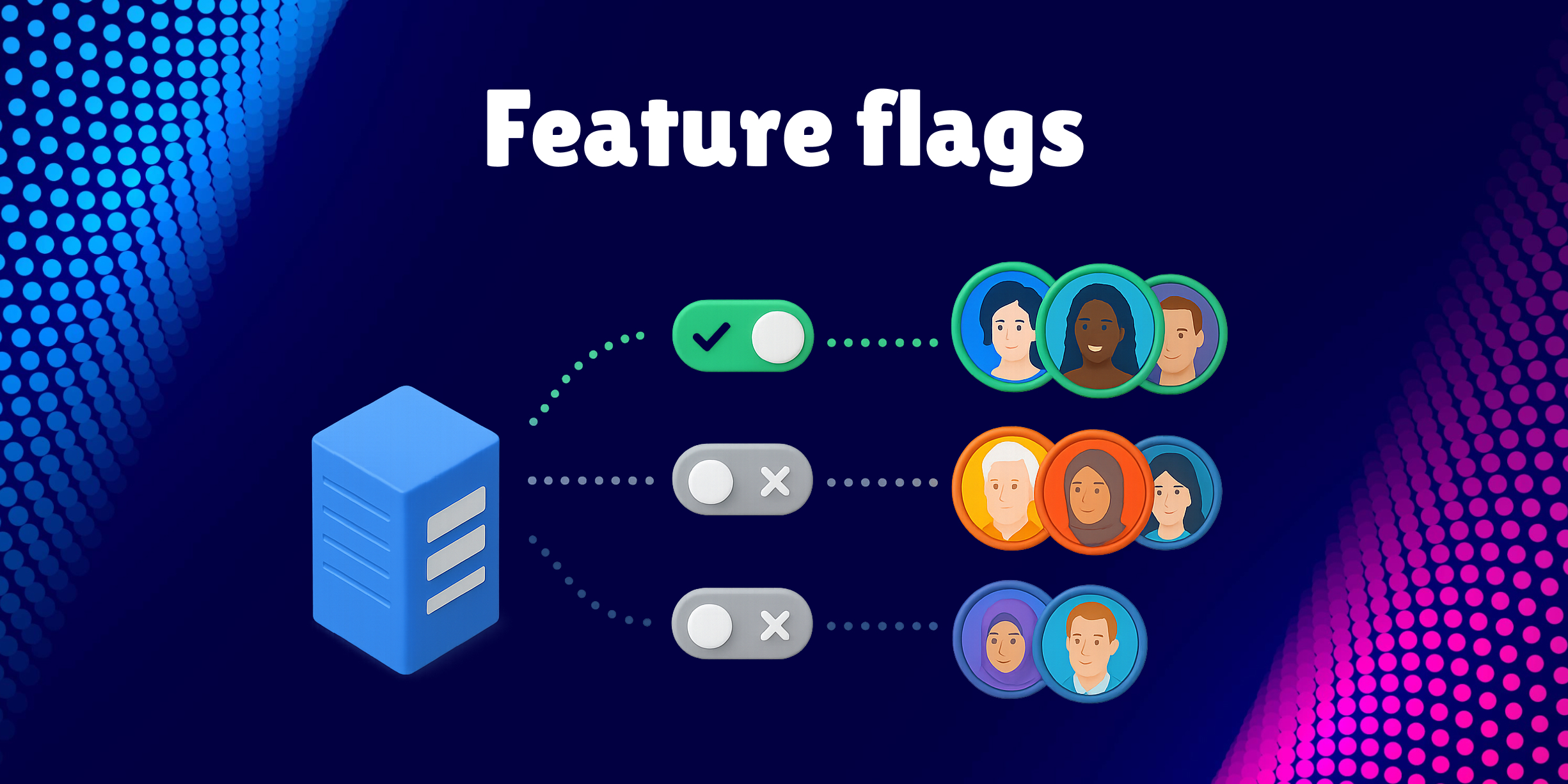
Firebase Remote Config is a cloud service that lets you change the behavior and appearance of your app without publishing an update. You define key-value pairs in the Firebase console, and your app fetches them at runtime.
It's great for:
- Feature flags (enable/disable features)
- A/B testing simple values
- Adjusting colors, strings, or numeric thresholds
- Gradual rollouts based on user segments
Firebase Remote Config works with both Android and iOS. It's simple to integrate and requires minimal backend work.
But here's the limitation: it only handles values, not UI.
You can toggle a feature on or off. You can change a button color from blue to green. But you can't add a new button. You can't rearrange a screen layout. You can't introduce a new section or replace a component.
For that, you need to ship a new version of your app.
What Nativeblocks is
Nativeblocks is a Server-Driven UI platform that lets you build, update, and deliver entire UI layouts remotely, using your own native components.
It works with SwiftUI, Jetpack Compose. Your components stay native. Nativeblocks tells your app how to assemble them based on backend-driven layouts.
This gives you:
- Full control over screen structure and layout
- Dynamic content delivery
- Real-time UI updates without app releases
- Visual editing tools for both developers and non-developers
- Component versioning and safe rollouts
Nativeblocks isn't just a config service. It's a complete system for managing dynamic native experiences.
4 cases where Nativeblocks is the better solution
1. Dynamic screen layouts and content blocks
Imagine your marketing team wants to promote a seasonal campaign. They need a new banner at the top of the home screen, a rearranged product grid, and a countdown timer.
With Firebase Remote Config: You can toggle a flag to show/hide a pre-built banner. But rearranging the layout? Adding new components? That requires code changes and a new app release.
With Nativeblocks: You design the new layout in Studio, schedule the update, and it goes live automatically. No code changes. No app release. The entire screen structure updates dynamically because Nativeblocks controls how components are assembled, not just their values.
2. Rich personalization beyond simple values
Imagine you want to show different onboarding flows to different user segments.
- power users see an advanced setup
- new users see a simplified tutorial
- enterprise users see compliance-focused content.
With Firebase Remote Config: You can change text strings or toggle features per segment. But showing entirely different screens with different layouts, navigation flows, and component arrangements? You'd need to pre-build every variation and use flags to switch between them. That means more code, more maintenance, and more app size.
With Nativeblocks: Each user segment gets a different layout delivered from the server. You create and manage these variations visually. No code duplication. No bloated app bundle. The right experience reaches the right user automatically.
3. Rapid iteration on promotional and seasonal content
Imagine your e-commerce app runs weekly promotions. Each promotion has unique layouts such as, hero images, product carousels, special offers sections, and call-to-action buttons positioned differently every time.
With Firebase Remote Config: You're limited to updating images URLs, text, and colors. The layout itself is static. To change where elements appear or add new sections, you ship an update.
With Nativeblocks: Your marketing team (or designers) can build promotional layouts in Studio without touching code. Each campaign gets its own layout. Deploy instantly. Iterate in real-time. When the promotion ends, swap in the next one. all without developer involvement.
4. Experimenting with UI structure, not just values
Imagine you want to test whether a two-column product grid performs better than a single-column list. Or whether putting the "Buy Now" button above the fold increases conversions.
With Firebase Remote Config: You can A/B test values. button text, colors, feature flags. But testing different layouts? You'd need to build both layouts in code, ship them in the app, and use flags to switch between them. That's slow and inflexible.
With Nativeblocks: You create both layout variants in Studio. Set up the experiment. Nativeblocks delivers the right variant to each user group. You get real UI experimentation, not just value toggling. And when you find a winner, rolling it out to everyone is instant.
Key differences at a glance
| Capability | Firebase Remote Config | Nativeblocks |
|---|---|---|
| Feature flags | ✅ Yes | ✅ Yes |
| A/B testing values | ✅ Yes | ✅ Yes |
| Change UI layout remotely | ❌ No | ✅ Yes |
| Add/remove components remotely | ❌ No | ✅ Yes |
| Visual editor for layouts | ❌ No | ✅ Yes, with Studio |
| Component versioning | ❌ No | ✅ Yes |
| Hot reload / live preview | ❌ No | ✅ Yes |
| Self-hostable | ❌ No | ✅ Yes |
When to use each tool
Use Firebase Remote Config when:
- You need simple feature flags
- You're toggling values, not layouts
- Your UI structure is fixed and only content changes
- You're already deep in the Firebase ecosystem and need quick wins
Use Nativeblocks when:
- You need to change screen layouts without app releases
- You want to deliver personalized experiences with different UI structures
- Your team needs visual tools to manage content and layouts
- You're running A/B tests on UI structure, not just values
- You need full control and self-hosting options
Conclusion
Firebase Remote Config and Nativeblocks solve different problems.
Firebase Remote Config is a configuration service. It lets you flip switches and change values. It's simple, reliable, and works well for what it does.
Nativeblocks is a Server-Driven UI platform. It lets you build, update, and deliver complete UI experiences dynamically. It gives you control over screen structure, component arrangement, and content. all without shipping new app versions.
If your needs are limited to feature flags and value changes, Firebase Remote Config is a solid choice.
But if you're building apps where the UI itself needs to evolve. where layouts change, content blocks rearrange, and experiences personalize at the screen level. Nativeblocks is the tool built for that job.