
Feature Flags in Mobile Apps

Alireza Fard
07/12/2025
Learn why feature flags are essential for modern mobile development and how to implement them effectively using Nativeblocks experiments.
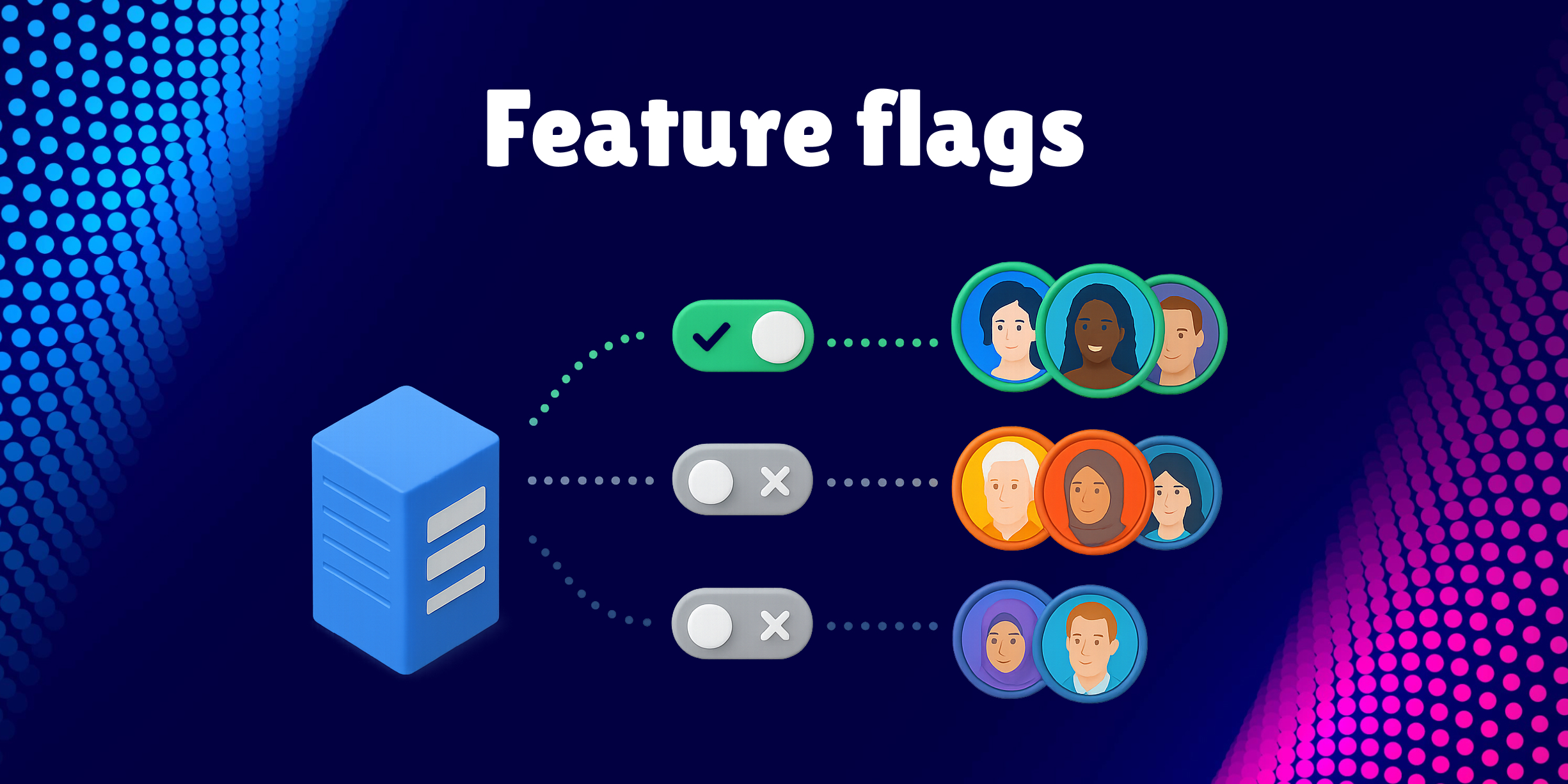
Feature flags (also known as feature toggles or experiments) have become an indispensable tool in modern mobile app development. They allow developers to control feature availability, test new functionality, and manage releases without deploying new app versions. In this article, we'll explore why feature flags are critical for mobile apps and demonstrate how to implement them using Nativeblocks.
What Are Feature Flags?
Feature flags are configuration values that control whether specific features are enabled or disabled in your application. Unlike web applications where you can deploy changes instantly, mobile apps face unique challenges:
- App Store Review Delays: Both Apple App Store and Google Play Store have review processes that can take days
- User Update Behavior: Not all users update their apps immediately
- Rollback Complexity: You can't easily "roll back" a mobile release if something goes wrong
Feature flags solve these problems by separating feature deployment from code deployment.
Why Mobile Apps Need Feature Flags
1. Gradual Rollouts
Release new features to a small percentage of users first, monitor their behavior, and gradually increase availability. This minimizes risk and allows you to catch issues before they affect your entire user base.
2. A/B Testing
Test different variations of a feature to determine which performs better. For example, you might test two different checkout flows to see which converts better.
3. Instant Kill Switch
If a feature causes crashes or performance issues, disable it immediately without waiting for app store approval on a new release.
4. Platform-Specific Features
Enable features on iOS but not Android (or vice versa) based on platform maturity or business requirements.
5. Beta Testing
Give early access to specific users or user groups without maintaining separate app builds.
6. Business Logic Control
Change business rules, thresholds, or configurations without code changes. For example, adjust the maximum number of items in a cart or change promotional messaging.
Types of Feature Flags
Feature flags typically fall into these categories:
Boolean Flags - Simple on/off switches:
val showNewCheckout = manager.getExperiment("new_checkout_enabled", false)
Numeric Values - Control thresholds and limits:
val maxRetries = manager.getExperiment("max_retry_attempts", 3)
String Values - Configure messages or URLs:
val welcomeMessage = manager.getExperiment("welcome_text", "Welcome!")
JSON Configuration - Complex configurations:
val themeConfig = manager.getExperiment("theme_settings", "{\"primaryColor\": \"#007AFF\"}")
Best Practices for Feature Flags
Use Descriptive Names - Choose clear, self-documenting names like payment_google_pay_enabled instead of flag1
Set Safe Defaults - Always provide defaults that represent stable behavior:
val useNewFeature = manager.getExperiment("new_feature", defaultValue = false)
Clean Up Old Flags - Remove flags once fully rolled out to avoid technical debt
Choose Appropriate Cache - Critical flags need shorter cache times, UI preferences can cache longer
Monitor Impact - Track which features are enabled and their effect on key metrics
Implementing Experiments with Nativeblocks
Nativeblocks provides a built-in experiment system that supports feature flags with type safety and caching. Here are practical implementation examples:
Payment method configuration
class PaymentRepository {
    private val manager = NativeblocksManager.getInstance()

    suspend fun getAvailablePaymentMethods(): List<PaymentMethod> {
        val methods = mutableListOf(PaymentMethod.CARD)

        val googlePayEnabled = manager.getExperiment(
            key = "payment_google_pay_enabled",
            defaultValue = false
        )
        if (googlePayEnabled) methods.add(PaymentMethod.GOOGLE_PAY)

        return methods
    }
}
UI configuration
class CheckoutViewModel : ViewModel() {
    private val manager = NativeblocksManager.getInstance()
    private val _useNewCheckout = MutableStateFlow(false)
    val useNewCheckout: StateFlow<Boolean> = _useNewCheckout.asStateFlow()

    init {
        viewModelScope.launch {
            _useNewCheckout.value = manager.getExperiment(
                key = "checkout_redesign_enabled",
                defaultValue = false
            )
        }
    }
}

@Composable
fun CheckoutScreen(viewModel: CheckoutViewModel) {
    val useNewCheckout by viewModel.useNewCheckout.collectAsState()

    if (useNewCheckout) {
        NewCheckoutFlow()
    } else {
        LegacyCheckoutFlow()
    }
}
Rollout Strategy:
- Enable for 5% of users, monitor metrics
- Gradually increase to 25%, 50%, then 100%
- If issues arise, disable immediately without app release
Cache Strategy Considerations
Balance performance and freshness with cache TTL:
// Default 24 hours - good for UI preferences
val theme = manager.getExperiment("theme", "light")

// Custom cache - for dynamic content
val promoText = manager.getExperiment("promo", "", cacheTTL = 10 * 60 * 1000L)

// No cache - for critical flags
val paymentsEnabled = manager.getExperiment("payments_enabled", true, cacheTTL = 0L)
Conclusion
Feature flags are essential for modern mobile app development, giving you control over features without the constraints of app store releases. They enable:
- Risk-free feature rollouts
- A/B testing capabilities
- Instant kill switches for problematic features
- Platform-specific feature control
- Better user experience through controlled releases
With Nativeblocks experiments, you get a type-safe, performant, and flexible feature flag system built right into your SDK. The caching strategy allows you to balance performance with freshness, and the type safety ensures you don't have runtime type errors.
Start using feature flags today to ship faster, reduce risk, and gain better control over your mobile app's features.